Every plan sheet. Every code section. Every email. One place to search, check, and respond.
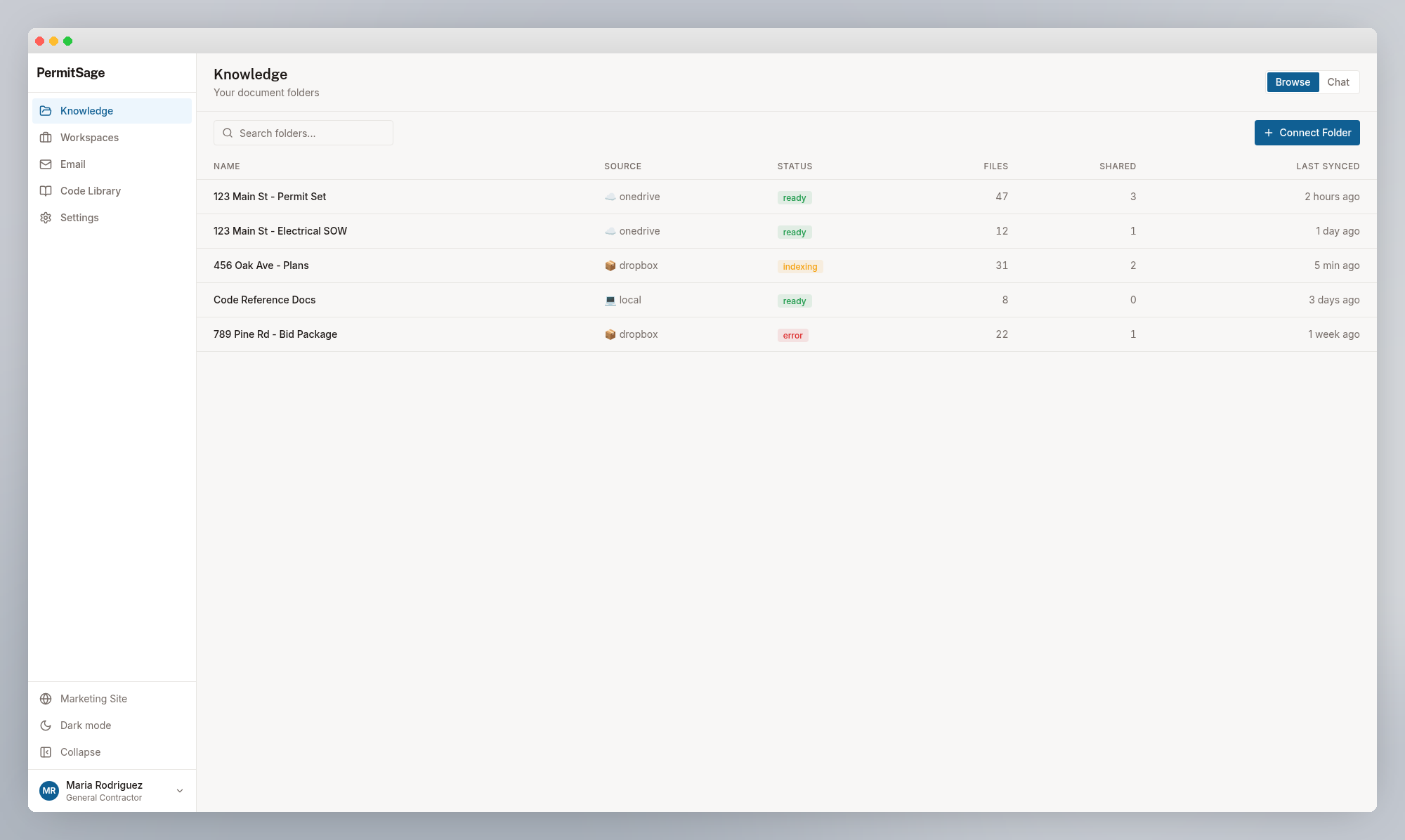
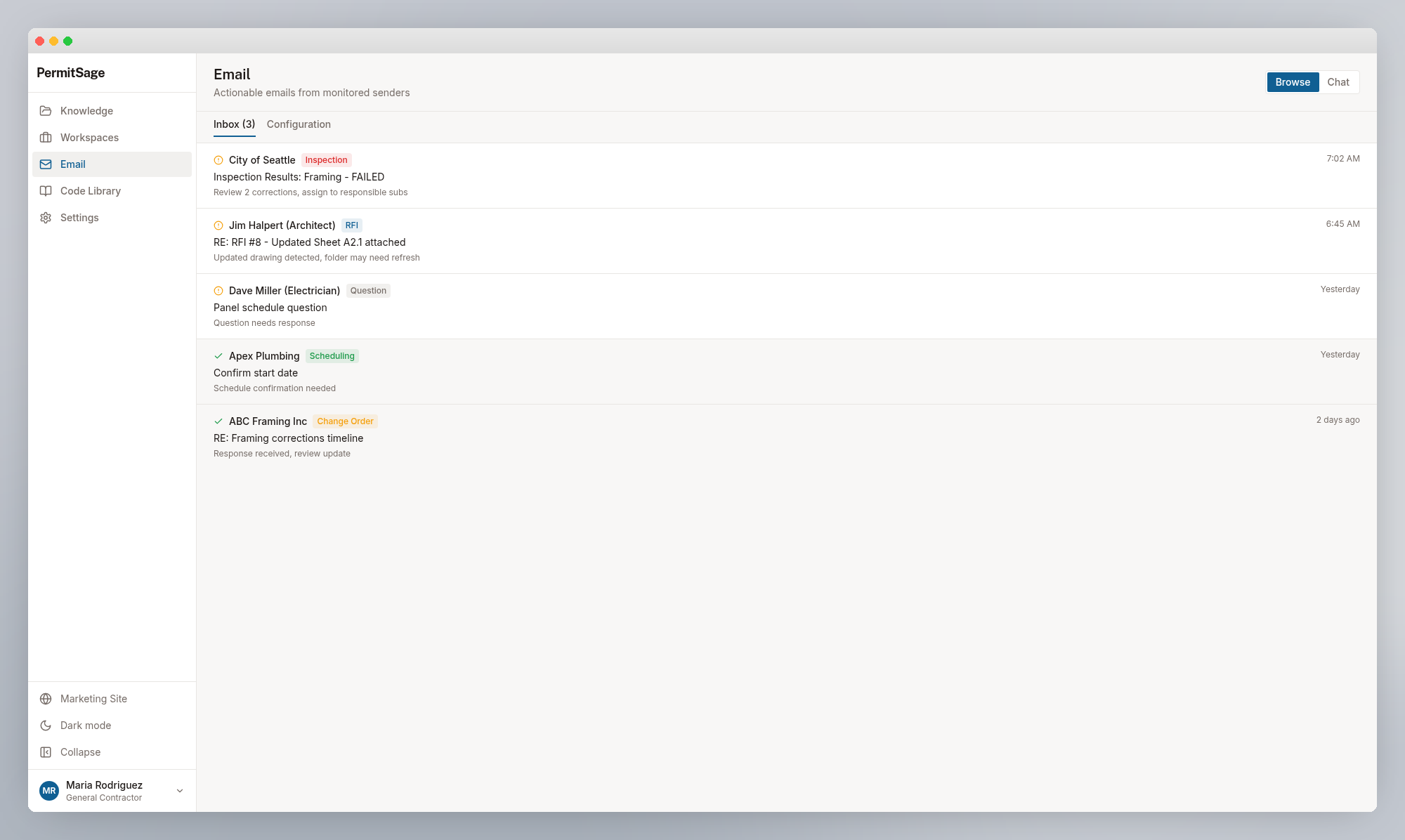
Connect your folders and email. PermitSage indexes your documents, monitors your inbox, and gives your team AI agents that search plans, check code compliance, and draft responses -- backed by evidence.
How it works
Three steps to your first answer
Connect
Link your OneDrive, Dropbox, or email. PermitSage AI Agents understand everything.
Ask
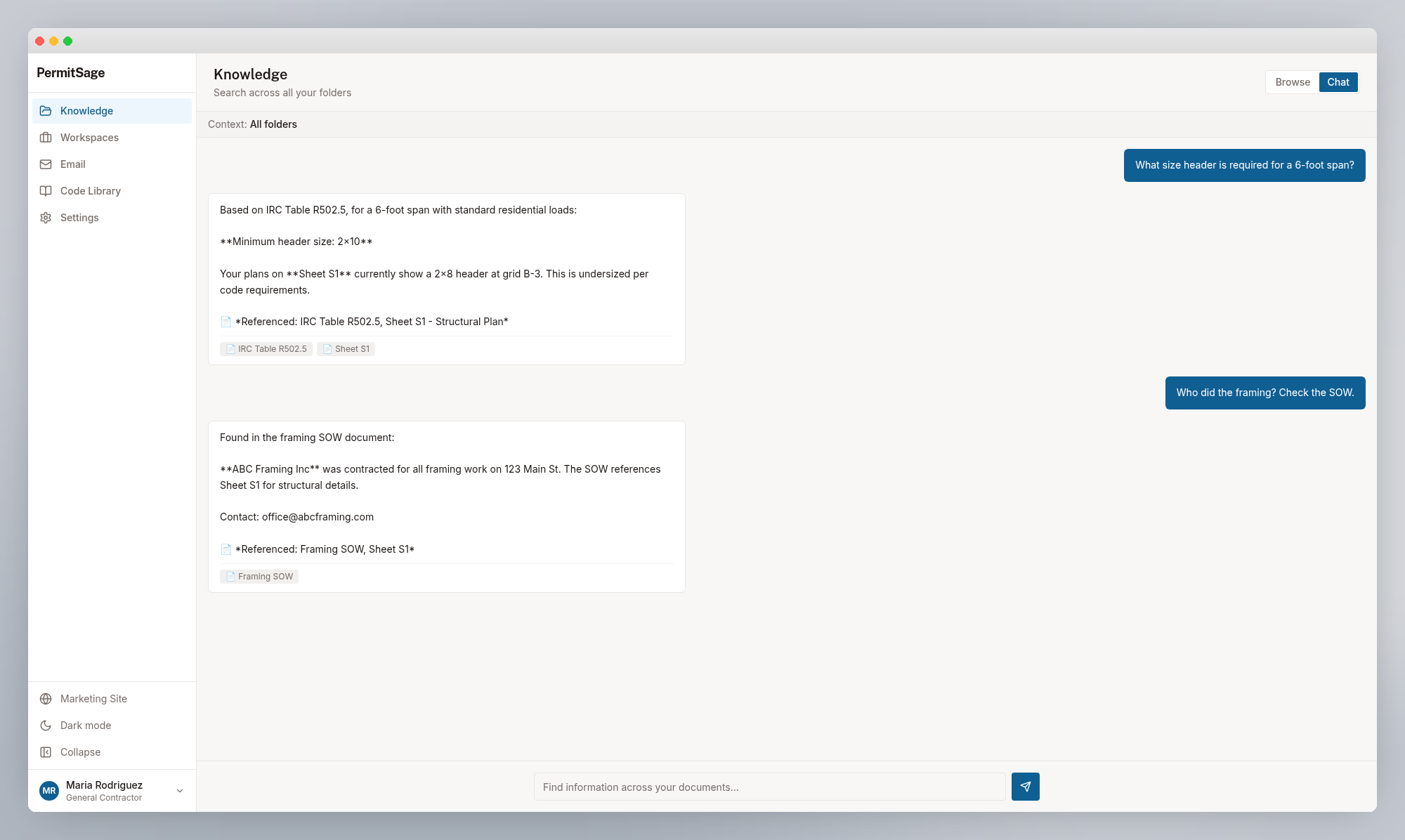
Search your plans, check code compliance, review emails. AI agents find what you need.
Act
Use PermitSage AI Agents to draft RFI responses, flag errors, produce reports -- all backed by references to your documents and codes.
Capabilities
Everything you need to move from question to answer
Find
Search across all your project documents. AI finds the right sheet, the right code section, the right spec.
See how General Contractors use thisCheck
Cross-reference plans against NEC, IBC, and plumbing codes. Catch errors before the inspector does.
See how Architects use thisRespond
Draft RFI responses, change order replies, and compliance letters in seconds -- with evidence.
See how Civil Engineers use thisMonitor
Connect your email. PermitSage detects actionable messages and proposes next steps.
See how Land Developers use thisWho it's for
Built for every role on the project
Your documents have the answers. PermitSage helps you find them.
Find anything in your plans. Check compliance in seconds. Draft responses with evidence. Monitor email for what needs action. PermitSage handles the manual work -- for every role on the project.